How to create an android app with android studio
| Institution | Jomo Kenyatta University of Science and Technology |
| Course | Information Technol... |
| Year | 3rd Year |
| Semester | Unknown |
| Posted By | Jeff Odhiambo |
| File Type | docx |
| Pages | |
| File Size | 643.8 KB |
| Views | 3467 |
| Downloads | 0 |
| Price: |
Buy Now
 Buy via
whatsapp Buy via
whatsapp
|


Description
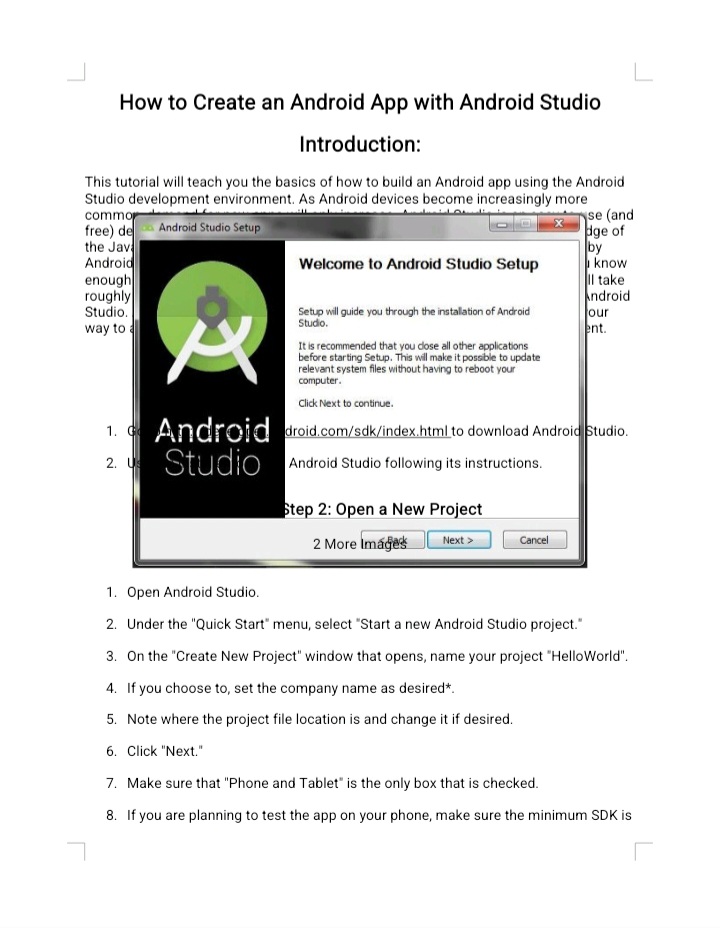
Creating an Android app with Android Studio involves several key steps. First, you need to download and install Android Studio, which includes all necessary tools like the Android SDK and emulator. After opening Android Studio, start a new project by selecting a template that fits your app's needs. You'll write code in Java or Kotlin, using XML to design the app's user interface (UI). The layout is built using various UI components such as buttons, text fields, and images. Once the app's structure is complete, you can test it using the emulator or a physical device. Debugging and refining your app ensures that it runs smoothly. Finally, once the app is polished, you can generate the APK (Android Package) file and distribute it through the Google Play Store or other means.
Below is the document preview.

SMA 2371: Partial Differential Equations (Complete Notes, Examples & Solutions) – JKUAT Biostatistics Year 2 Semester 2
These are comprehensive and well-organized lecture notes for SMA 2371: Partial Differential Equations (PDE) offered to BSc. Biostatistics Year 2 Semester 2 students at JKUAT. The notes are neatly arranged from lecture one to the final topics, making them ideal for class learning, revision, CAT preparation, and final examinations.
The notes include detailed explanations, worked examples, step-by-step mathematical derivations, solved exercises, and applications of Partial Differential Equations. Topics covered include:
• Review of basic concepts and partial derivatives
• Jacobians, surfaces and curves in three dimensions
• Simultaneous first-order differential equations
• Methods of solving symmetric differential equations
• Orthogonal trajectories
• Pfaffian differential equations
• Linear first-order partial differential equations
• Formation of PDEs
• Elimination of arbitrary constants and arbitrary functions
• Heat, Wave, Laplace and Poisson equations
• Separation of variables
• Fourier and Laplace Transform methods
• Numerous worked examples, tutorial questions and examination-style problems with solutions.
These notes are suitable for JKUAT students and other university students studying Mathematics, Statistics, Biostatistics, Engineering, Applied Mathematics or related courses. They are an excellent revision resource for CATs and final examinations.
57 Pages
1478 Views
0 Downloads
1.77 MB